
Amazon Restock Planning Software with Demand Forecasting
Restock planning that respects case-pack reality.
Managed Reimbursements. No subscription fee or credit card required
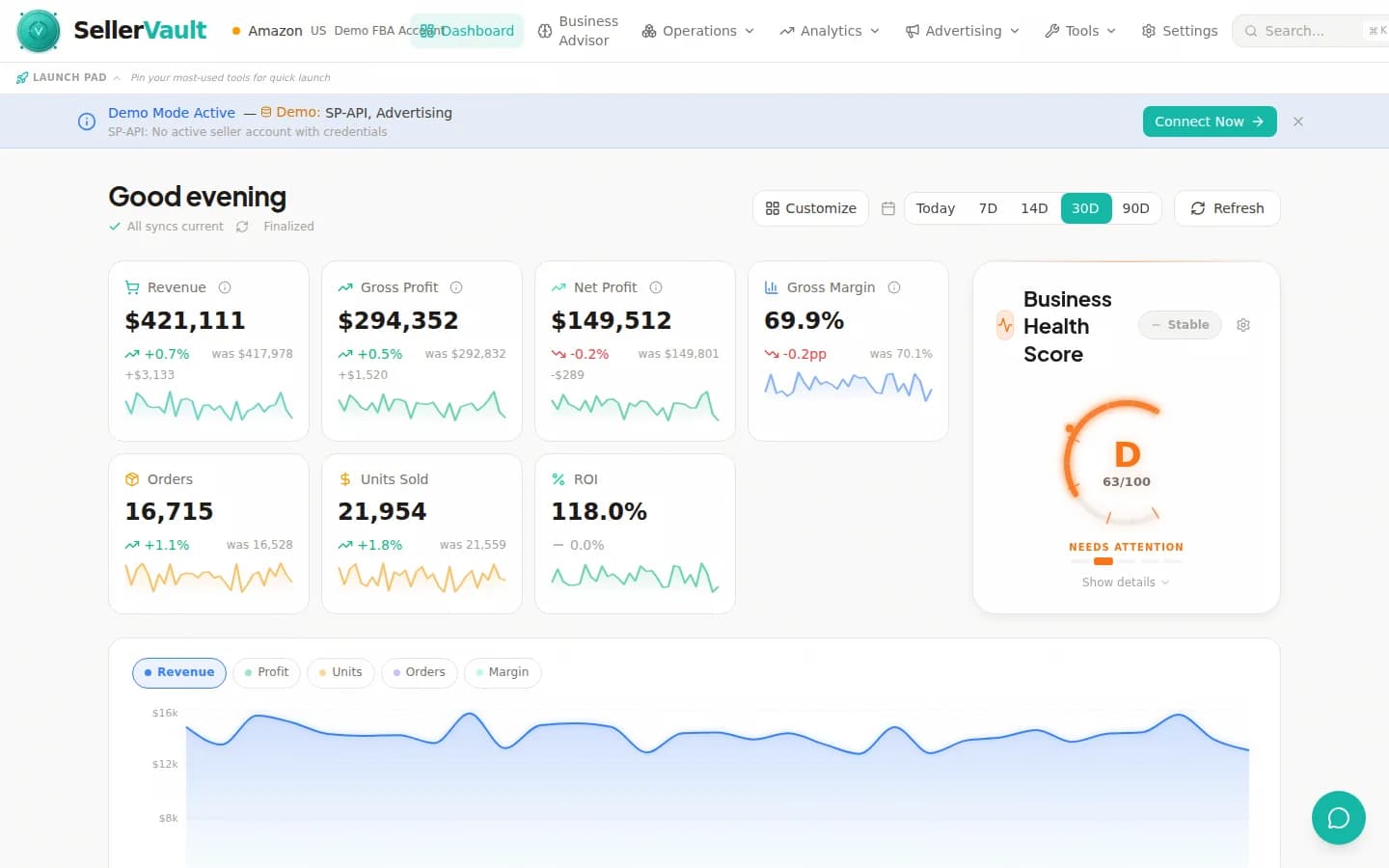
Business Health Score, margin trends, and velocity tracking power restock decisions — all in one view.
Restock intelligence in action
An illustrative example of the Ship Now alerts, Monte Carlo forecasts, and case-pack calculations SellerVault runs across your catalog.
Monte Carlo demand forecasting (not naive averages)
SellerVault runs Monte Carlo simulations on every SKU's velocity history to produce probabilistic forecasts. Instead of a single "you'll sell 100 units this month" number, you get a distribution: 50% chance of 80-120 units, 95% chance of 60-140. This matters for safety stock decisions because demand variance is as important as average demand.
- Probabilistic forecasts with confidence intervals
- Seasonality-aware for Q4, Prime Day, BFCM spikes
- Lead time variance modeling
- 30/60/90-day stockout probability per SKU
Ship Now indicators for imminent stockouts
Score-based urgency classification flags SKUs heading toward stockout within your lead time window. "Ship Now" SKUs get a visual priority indicator and float to the top of the restock list. You can bulk-select them, create a single shipment, and get inventory moving in five minutes instead of spending an afternoon on the analysis.
- Urgency scoring based on velocity, lead time, and coverage
- Visual Ship Now badges on imminent stockouts
- One-click bulk selection → shipment creation
- Ignores already-in-transit quantities to avoid double-shipping
ABC-XYZ classification drives the restock rules
SellerVault automatically classifies every SKU into a 9-cell ABC-XYZ matrix based on revenue contribution (ABC) and demand variance (XYZ). A-X items (best sellers with stable demand) get tight restock thresholds and daily forecasting; C-Z items (low revenue, erratic demand) get simpler rules and longer safety-stock windows. This is how professional supply chains work.
- Automatic 9-segment ABC-XYZ classification
- Per-segment restock rule templates
- Nightly updates as catalog performance shifts
- Segment filters for bulk operations
Integrated FBA shipment wizard (no context switching)
When the restock engine recommends 500 units of SKU X, you click Create Shipment and the full 7-step inbound wizard launches with those 500 units pre-loaded. Plan initiation, box contents, placement selection, carrier booking, and label printing all happen in SellerVault without opening Seller Central. This single feature saves the average seller 2-3 hours per restock cycle.
- Restock → shipment in one click
- 7-step wizard with prep instructions, box configs, carriers
- Case-pack-aware quantities (no "ship 47 units" rounding issues)
- Placement fee inference and smart filter for paid placements
Multiple views for different workflows
Table view for bulk operations, Card view for visual scanning, Calendar view for restock timing, and Kanban view for in-progress tracking. Each view shows the same data from a different angle so you can switch based on the task. Most restock tools force a single view on you — SellerVault recognizes that restock planning has many shapes.
- Table view: spreadsheet-style for power users
- Card view: visual product scanning
- Calendar view: restock timing across weeks
- Kanban view: in-progress shipment tracking
Marketing events and seasonal demand adjustments
Plan for sales events that will distort your baseline forecasts. Add an entry for Prime Day, Black Friday, or a scheduled deal, and the restock engine factors an expected demand lift into its recommendations. Post-event, the engine learns from the actual lift vs expected and adjusts future event forecasts.
- Planned sales event library (Prime Day, BFCM, Q4)
- Per-SKU expected lift configuration
- Post-event learning for future forecasts
- Fee alerts before storage fees hit (long-term, aged-inventory)
Frequently asked questions
What is Amazon restock planning and how is it different from inventory management?
Inventory management tells you what you have right now. Restock planning tells you what to order next and when. Good restock software turns sales velocity, lead time, inbound inventory, and Amazon's IPI score pressure into concrete reorder recommendations that protect you from stockouts without over-investing capital. SellerVault does both, and both read the same inventory data.
How is SellerVault's restock tool different from RestockPro, Forecastly, or SoStocked?
Four differences: (1) Monte Carlo forecasting instead of trailing averages — matters enormously for seasonal and high-variance SKUs. (2) Integrated FBA shipment wizard — you can go from "I need to restock" to "shipment is booked" in one click. Competitors force you to export to Excel and re-enter elsewhere. (3) Case-pack-aware quantities so you never get a "ship 47 units" recommendation when your supplier ships in cases of 24. (4) Placement fee inference — we detect which items should use AWD placement vs inbound placement vs paid placements to minimize fees.
How does the Monte Carlo forecasting work?
For each SKU, we take the last 90-180 days of daily sales, fit a probability distribution, and simulate 10,000 possible sales trajectories over your forecast horizon. The output is a distribution of outcomes: median, 25th percentile, 75th percentile, 95th percentile. Instead of guessing at safety stock, you set a service level (e.g., "95% probability of not stocking out") and the engine computes the reorder quantity that achieves it. This is how serious supply chain software has worked for decades — SellerVault is just the first to bring it to FBA sellers.
Does the restock engine factor in my lead times?
Yes. You configure lead time per SKU (or per supplier, or per category). The engine factors lead time variance into its reorder recommendations — if a supplier is unreliable, safety stock goes up. The "Ship Now" urgency indicator triggers when projected stockout is within your lead time window, meaning you need to order immediately to avoid a gap.
Can I restock based on sales events or Q4 seasonality?
Yes. The marketing events module lets you add planned sales events with expected demand lift (e.g., "Prime Day 2026, expect 3x baseline demand"). Restock recommendations factor in upcoming events automatically. For Q4 seasonality, the forecasting engine looks at last year's Q4 pattern and incorporates it into the current forecast. You can also manually override any SKU's forecast with a custom adjustment.
Does it handle multiple warehouses or 3PL partners?
Yes. SellerVault supports multiple locations (FBA, 3PL, prep center, direct-ship) and factors total on-hand inventory across all of them into restock decisions. If you're running a hybrid FBA + 3PL operation, the restock engine knows not to over-order when there's stock sitting in your 3PL waiting to be sent to Amazon.
How often are the forecasts updated?
Nightly for the full catalog. High-velocity SKUs (A-items) are re-forecast every few hours as new sales data arrives. Ship Now alerts fire in real-time as inventory drops below threshold — you don't have to wait until tomorrow to see a critical stockout warning.
Can I override the forecasts or recommendations?
Yes. Every SKU has an override field for manual adjustments to the forecast, the safety stock level, or the recommended restock quantity. You can also bulk-apply overrides across a filter (e.g., "reduce forecast by 20% for all Category X SKUs during a slow season"). Overrides are tracked with a reason and expiration date so they don't linger forever.
Stop running out of your best sellers.
Managed Reimbursements. No subscription fee or credit card required. Choose a software plan separately for restock recommendations; availability depends on your Amazon data sync.
Restock smarter
Lead times, reorder points, safety stock, and how SellerVault handles capacity-limit math.
How to Build a Profitable Restock Strategy for Amazon FBA
Stop guessing when to reorder. Learn demand forecasting, safety stock calculations, and ABC-XYZ classification to build a data-driven restock plan.
Amazon FBA Inventory Forecasting: How to Avoid Stockouts and Overstock
Stockouts kill your BSR and overstock drains your capital. Learn demand forecasting techniques, safety stock formulas, and lead time optimization for FBA sellers.
The Complete FBA Inventory Management Guide
Restock cadence, lead times, capacity limits, and demand forecasting fundamentals.
Reorder Point
How to calculate reorder point from lead time, demand, and safety stock.
Safety Stock
How to calculate safety stock to balance stockout risk against storage cost.
Amazon Inventory Management
Real-time FBA + FBM inventory tracking with Monte Carlo demand forecasting.