
Amazon Inventory Management Software for FBA Sellers
Amazon inventory management built for 30,000 SKUs.
14-day free trial · No credit card required · Cancel anytime
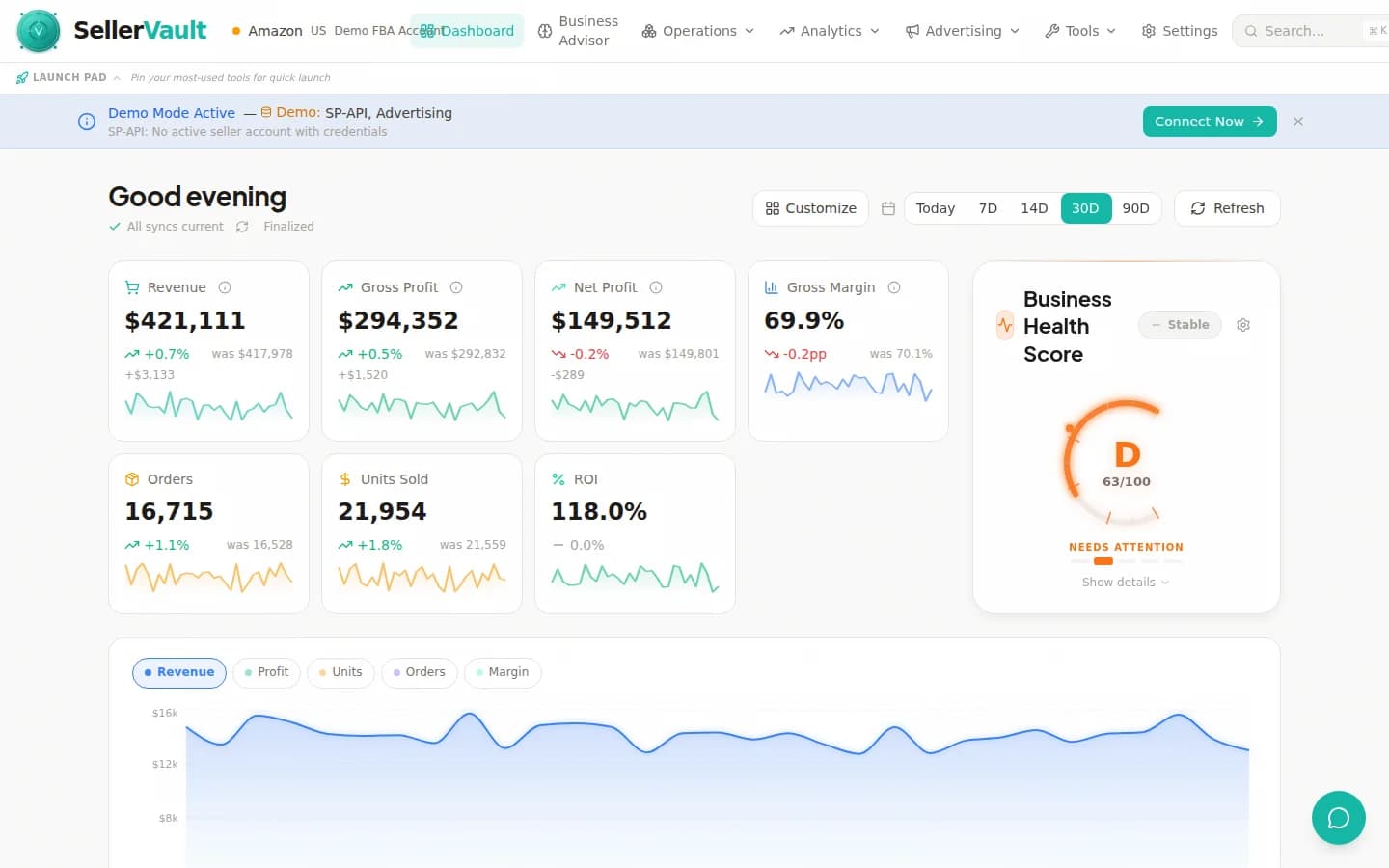
Real-time inventory sync, velocity tracking, and business health scoring across 30,000+ SKUs.
Inventory activity in action
An illustrative example of the Ship Now alerts, velocity spikes, and forecast updates SellerVault surfaces across your catalog.
Real-time inventory sync across your full catalog
SellerVault pulls inventory levels directly from the Amazon SP-API on a continuous sync cycle. Your dashboard reflects true FBA available quantities, inbound shipments, reserved inventory, and unfulfillable units within minutes of Amazon updating them. No daily lag, no manual refreshes.
- Continuous SP-API sync (not once-a-day like competitors)
- Handles 30,000+ SKUs without slowing down
- Separate counts for FBA, FBM, inbound, reserved, and unfulfillable
- Multi-warehouse visibility for distributed inventory
Demand forecasting with Monte Carlo simulations
Most Amazon inventory tools use a simple trailing average to forecast demand. SellerVault runs Monte Carlo simulations on your sales velocity data to produce probabilistic forecasts that account for demand variance, seasonality, and lead-time uncertainty. You get a 30/60/90-day stockout probability for every SKU.
- Monte Carlo demand modeling (not naive averages)
- Seasonality-aware forecasts for Q4, Prime Day, BFCM
- Lead time variance modeling for restock timing
- Stockout probability percentile for every SKU
ABC-XYZ classification for prioritization
Automatic product segmentation using the industry-standard ABC-XYZ matrix. A-items (high revenue) get tighter restock thresholds and more frequent forecasting; C-items (low revenue) use simpler rules. X-items (stable demand) get lower safety stock; Z-items (erratic demand) get higher. This is how serious inventory operations work.
- Automatic ABC classification by revenue contribution
- Automatic XYZ classification by demand variance
- Nine-segment matrix with tailored restock rules per cell
- Updates nightly as your catalog performance shifts
Restock recommendations that respect reality
SellerVault's restock engine factors in current inventory, inbound shipments, velocity trends, lead times, placement fees, case-pack quantities, and IPI score pressure. The recommendation you see is the one you should ship — not a theoretical maximum that ignores real-world constraints.
- Score-based prioritization with urgency classification
- Ship Now indicators for imminent stockouts
- Case-pack-aware quantities (no "ship 47 units" nonsense)
- IPI-aware throttling during storage limit pressure
Inventory health dashboard and fee alerts
At-a-glance view of your catalog health: overstocked SKUs burning storage fees, understocked SKUs at risk of stockout, aging inventory heading toward long-term storage penalties, and low-performers eating into your IPI score. Fee alerts fire before Amazon charges hit your account.
- Color-coded health status per SKU
- Long-term storage fee warnings (pre-charge)
- Aging inventory liquidation recommendations
- IPI score tracking and improvement suggestions
Built for bulk actions at enterprise scale
Select multiple SKUs, apply changes in bulk, export to Excel, or kick off a shipment workflow for 100 products at once. SellerVault was built to manage 30,000 SKUs without breaking a sweat — every table supports filtering, sorting, column customization, and bulk selection.
- Bulk edit across thousands of SKUs in seconds
- Saved filter presets for recurring workflows
- Export to Excel, CSV, or paste-friendly formats
- Four views: table, card grid, calendar, Kanban
Frequently asked questions
How is SellerVault's Amazon inventory management different from Sellerboard, RestockPro, or Forecastly?
Three structural differences: (1) We use Monte Carlo simulations for demand forecasting instead of trailing averages — this matters enormously for seasonal and erratic-demand SKUs. (2) Restock recommendations are integrated with the FBA shipment wizard, so the path from "you need to restock" to "shipment is created and booked" is one click. Competitors leave you to export to Excel and re-enter elsewhere. (3) Inventory is bundled with repricing, reimbursements, and analytics — most sellers using RestockPro also pay for Sellerboard, a repricer, and a reimbursement service. You replace all four with SellerVault.
How many SKUs can SellerVault handle?
SellerVault is battle-tested on 30,000+ SKU catalogs. The inventory tables, restock engine, and forecasting run at the same speed whether you have 500 SKUs or 30,000. This is because we use server-side pagination, background job processing for forecasting, and database-level query optimization — not a React table that chokes on more than a few hundred rows.
How accurate are the demand forecasts?
Accuracy depends on the SKU's demand stability. For A-X products (high-revenue, stable demand), SellerVault's 90-day forecasts are typically within 5-10% of actual sales. For C-Z products (low-revenue, erratic demand), forecasts have wider confidence intervals and we communicate that with probability bands rather than a single number. The Monte Carlo approach also quantifies uncertainty, so you can set safety stock based on a 95% confidence level rather than guessing.
Does SellerVault track inbound shipments and in-transit inventory?
Yes. SellerVault integrates with your Amazon inbound shipments and shows three separate inventory states: WORKING (being prepared), SHIPPED (in transit to Amazon), and RECEIVING (at the fulfillment center, being checked in). The restock recommender factors in-transit inventory into its calculations so you don't double-ship. We also detect receive discrepancies automatically and feed them into our reimbursement recovery system.
Can I set custom safety stock levels per SKU or per category?
Yes. You can set safety stock as a fixed number of units, as days of coverage (e.g., "always have 30 days of stock"), as a percentile of forecast demand (e.g., "cover the 95th percentile of monthly demand"), or by category. Changes apply immediately to the restock recommendations. Rules can also be applied in bulk across the ABC-XYZ matrix.
Does it integrate with the FBA shipment wizard?
Yes — this is one of our biggest differentiators from standalone inventory tools. When the restock engine recommends 500 units of SKU X, you click "Create shipment" and the full Amazon inbound shipment wizard launches with those 500 units pre-loaded. Box content configuration, placement selection, carrier booking, and label printing all happen in SellerVault without bouncing you to Seller Central.
How does SellerVault handle multi-warehouse or 3PL inventory?
SellerVault natively supports multiple seller accounts and locations. You can configure distribution centers, 3PL warehouses, and prep centers separately from FBA inventory, and the restock engine will factor total available inventory when making recommendations. Full multi-marketplace support (EU, UK, CA, JP) is on the roadmap.
Is there a free trial?
Yes. Every plan includes a 14-day free trial with no credit card required. You can connect your Amazon account, sync your full catalog (up to 30,000 SKUs), run forecasts, and generate restock recommendations during the trial. Most sellers know within 2-3 days whether SellerVault will replace their current tool stack.
Stop managing inventory in spreadsheets.
Connect your Amazon account in 2 minutes. Your full catalog syncs automatically. Restock recommendations are ready within an hour.
Master Amazon inventory management
Forecasting, restock cadence, capacity limits, and the terminology you need to know.
How to Build a Profitable Restock Strategy for Amazon FBA
Stop guessing when to reorder. Learn demand forecasting, safety stock calculations, and ABC-XYZ classification to build a data-driven restock plan.
Amazon FBA Inventory Forecasting: How to Avoid Stockouts and Overstock
Stockouts kill your BSR and overstock drains your capital. Learn demand forecasting techniques, safety stock formulas, and lead time optimization for FBA sellers.
The Complete FBA Inventory Management Guide
Lead times, safety stock, reorder points, capacity limits, and forecasting best practices.
Days of Cover
How to calculate Days of Cover (DOC) and use it to drive restock decisions.
Restock Limits
Amazon's storage and inbound restock limits and how the IPI score affects them.
Amazon Restock Planning
Restock recommendations with case-pack awareness and capacity-limit modeling.