
Amazon Product Scanner for OA, RA & Wholesale Sourcing
Batch scan 500 products in two minutes.
14-day free trial · No credit card required · Cancel anytime
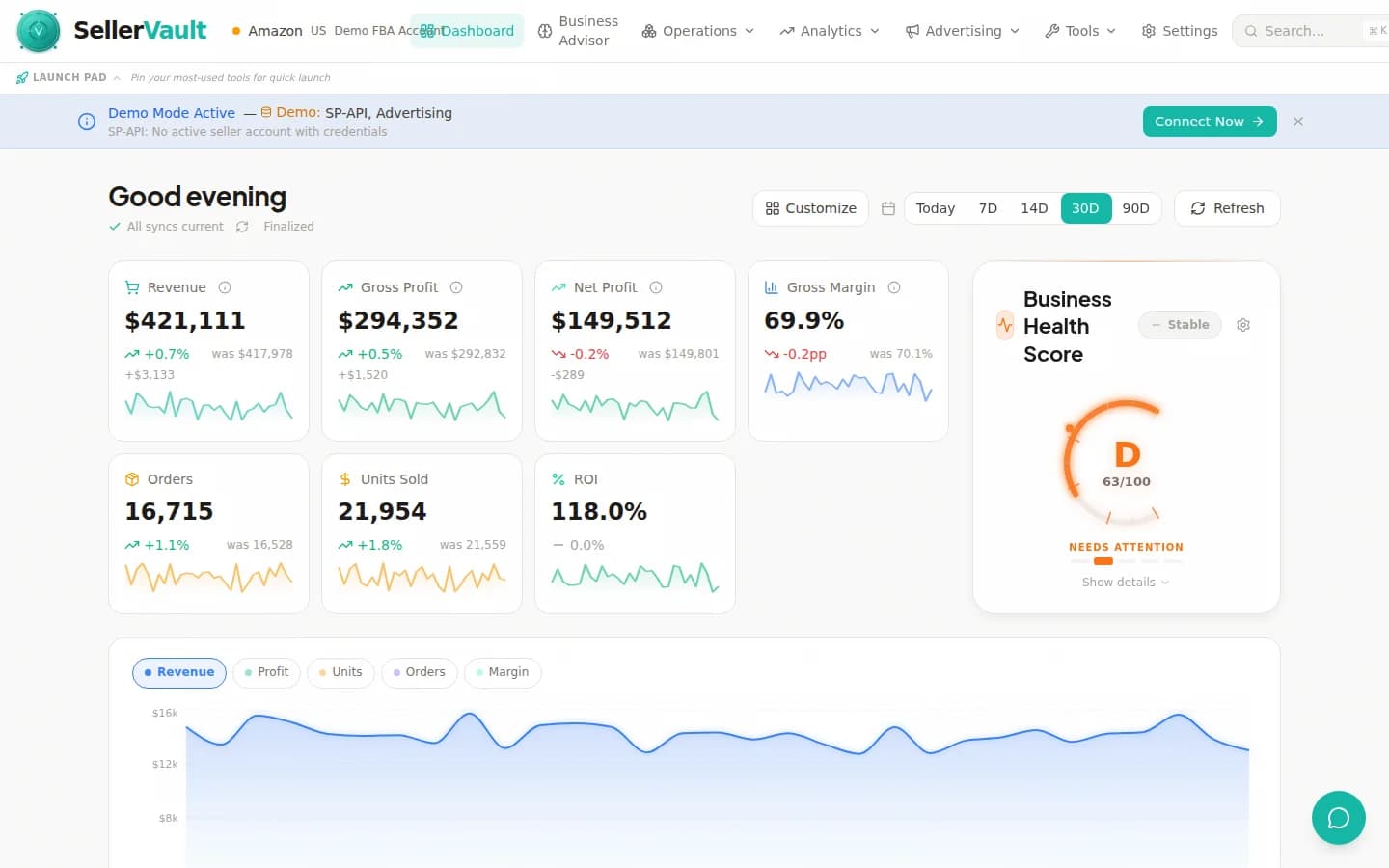
Scan results flow into your inventory, purchase orders, and repricing workflows — no data silo between sourcing and operations.
See the scanner in action
An illustrative example of what a typical sourcing session looks like — profitable finds, rank trends, and category checks.
Batch scan entire supplier lists in minutes
Upload an Excel or CSV list of UPCs, ASINs, or ISBNs and SellerVault scans every product against Amazon's catalog in parallel. A 500-product list finishes in 2-3 minutes. A 5,000-product wholesale manifest finishes in about 15. Compare that to manually typing each ASIN into Seller Central — this is literally 100x faster.
- CSV/Excel upload with automatic column mapping
- UPC, ASIN, ISBN, EAN lookup
- Parallel scanning (500 products in ~2 minutes)
- Session management for re-running and re-exporting
Historical pricing data and sales estimates
Every scan includes historical price charts, Best Seller Rank trends, estimated monthly sales, and Buy Box history. You can see if a product is stable, declining, or in a seasonal pattern before you commit any capital. This is the data that separates profitable sourcing from expensive guesswork.
- Price history with Keepa-style charts
- BSR trends with 30/90/180-day windows
- Monthly sales estimates from rank-to-velocity modeling
- Buy Box rotation history
250+ configurable fields and cost profiles
The scanner includes 250+ possible output fields: profit, ROI, margin, fees, weight, dimensions, hazmat status, restricted category flags, seller count, FBA/FBM split, Keepa graph URL, variation count, review count, rating, brand, category, subcategory, and dozens more. You choose which fields matter for your workflow with saved field profiles.
- 250+ possible output fields
- Custom cost profiles (FBA fees, prep, shipping, PPC allocation)
- Field profiles for different sourcing workflows (OA, RA, wholesale)
- Filter presets for fast re-scanning
Profitability analysis with your actual costs
Most product scanners show profit based on default fee assumptions. SellerVault lets you configure cost profiles that match your reality: prep costs, inbound shipping per unit, PPC spend allocation, storage fee estimates, returns reserve. Profit calculations reflect your actual margin, not a generic estimate.
- Per-profile cost modeling (FBA fees, prep, shipping, PPC)
- ROI, margin, and profit-per-unit calculations
- Restricted category and hazmat filtering
- Competition heat map for Buy Box viability
Built for online arbitrage, retail arbitrage, and wholesale
The scanner is the same whether you're running an OA hustle sourcing from 5 retail sites, a wholesale operation processing 10K-line manifests from distributors, or a private label brand doing product research. Every workflow is supported, and saved filter presets let you switch contexts in a click.
- Optimized for OA, RA, and wholesale workflows
- Scan sessions persist for weeks of iteration
- Re-export previous scans without re-running
- Bulk export with all configured fields
Bundled — not a separate subscription
Most product scanners (SellerAmp, BuyBotPro, SellerChamp, Scoutify) charge $30-$100/month on top of whatever inventory tool you're using. SellerVault bundles the scanner into every plan, including Starter at $29/month. For serious OA/wholesale sellers, the scanner alone justifies the subscription.
- Included in every plan (no separate scanner subscription)
- Generous scan allowance scales with plan tier
- Replaces SellerAmp, BuyBotPro, Scoutify, and similar tools
- Integrated with your inventory and repricing — no data silos
Frequently asked questions
What is an Amazon product scanner and who needs one?
An Amazon product scanner takes a list of products (by UPC, ASIN, or barcode) and returns profitability data, sales estimates, competition analysis, and sourcing viability for each. If you source products for Amazon — whether through online arbitrage, retail arbitrage, wholesale distributors, or private label research — a scanner is essential. Manually checking each product in Seller Central takes 3-5 minutes per item; a scanner does 500 items in 2-3 minutes.
How is SellerVault's scanner different from SellerAmp, BuyBotPro, or Scoutify?
Four differences: (1) It's bundled with your other Amazon seller tools instead of being a separate $30-100/month subscription. (2) It has 250+ configurable output fields — most competitors have 30-60. (3) Cost profiles let you model your actual costs (prep, shipping, PPC) instead of using generic fee defaults. (4) Scan results flow directly into your inventory management, purchase orders, and repricing workflows — there's no data silo between sourcing and operations.
What file formats can I upload for scanning?
SellerVault accepts CSV, XLSX (Excel), and XLS files. The scanner auto-detects columns for UPC, ASIN, ISBN, EAN, product name, supplier cost, and supplier SKU. If your file has custom columns (case-pack quantity, supplier name, etc.) they're preserved in the output. You can also paste a list directly into the scanner if you don't want to upload a file.
How fast is the scanner and are there limits?
A 500-product list typically finishes in 2-3 minutes. A 5,000-product wholesale manifest finishes in about 15 minutes. Scan limits vary by plan: Starter 100 scans/month, Growth 1,000, Professional 5,000, Enterprise and Agency unlimited. One "scan" counts as one product lookup regardless of how many fields you request. Re-exporting a previous session doesn't count against your limit.
Does the scanner include historical price charts like Keepa?
Yes. Every scan result includes historical price data: current price, average 30-day price, 90-day low, 90-day high, and a chart URL you can open for a full Keepa-style graph. We pull this from Amazon's SP-API data where available and from our own price cache otherwise. For serious sourcing you'll want to combine this with Keepa itself for deeper history, but the scanner gets you 90% of what you need without opening a second tool.
Can I save filter presets for different sourcing workflows?
Yes. The scanner supports saved filter presets — for example, an OA preset might filter for ROI > 35% and rank < 150,000, while a wholesale preset might filter for margin > 20% and no restrictions. You can also save field profiles (which columns to include in exports) separately, so "OA with 60 fields" and "wholesale with 120 fields" are both one-click workflows.
Does the scanner check restricted or hazmat products?
Yes. Every scan result flags restricted categories (brand-gated, category-gated) and hazmat/meltable products. You can filter scan results to exclude anything you can't sell in your account. This alone prevents the classic mistake of buying 200 units of a product you can't actually list.
Can I re-export a previous scan without re-running it?
Yes. All scan sessions are saved and can be re-exported with a different field profile or filter preset at any time. This is useful when you're comparing two sourcing lists, revisiting an old scan with new cost assumptions, or sending a filtered subset to a partner. Re-exports don't count against your monthly scan limit.
Stop sourcing in the dark.
Upload your next supplier list and see profitable products in minutes, not hours.
Source smarter
Sourcing playbooks, ROI vs margin, and how the scanner fits into wholesale and arbitrage workflows.
How to Source Profitable Products for Amazon FBA in 2026
Find products worth selling with batch scanning, profitability analysis, and competitive research. A practical guide to retail arbitrage, wholesale sourcing, and online arbitrage for FBA.
How to Calculate True Amazon FBA Profitability Per Unit
Most sellers miscalculate their profit margins by missing hidden fees. Learn how to calculate real per-unit profitability including every Amazon fee, COGS, and overhead cost.
BSR (Best Seller Rank)
How Amazon BSR is calculated and how to use it to estimate sales velocity.
ROI vs Margin
The difference between ROI and margin, and which one to use when sourcing products.
Free FBA Profit Calculator
Estimate true profit per unit including all FBA, referral, and storage fees.
SellerVault vs SellerAmp
Scanner-only tool comparison: scan speed, fields, and integration with restock planning.